 We are in Beta.
Workspices makes your digital chaos feel effortless.
Quicklinks and Task connect you instantly to the spaces where your team collaborates.
* Start for free. No credit card required.
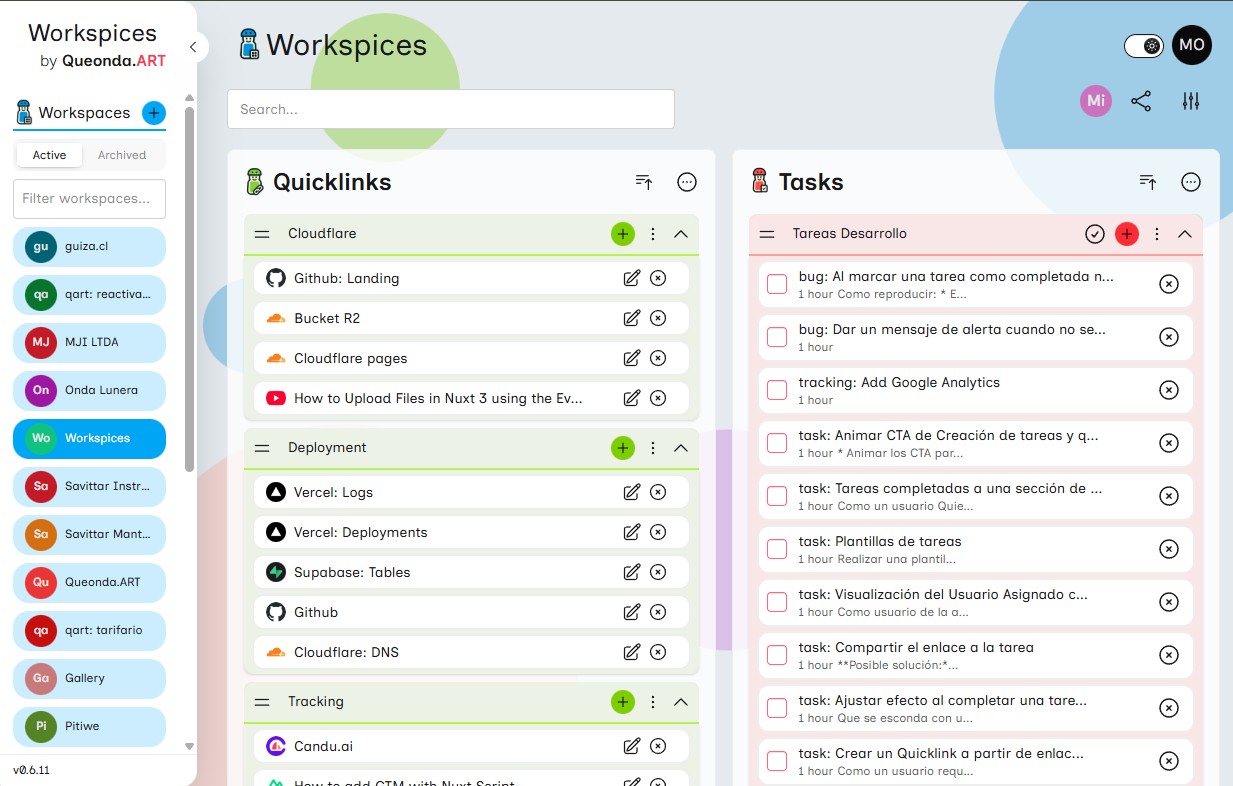
Your Team's Command Center for Every Project
Workspaces are dedicated, distraction-free environments where you centralize all the specific tools and tasks your team needs. Instead of hunting through endless tabs, everything is organized in one shared space, ready for your team to collaborate in sync.
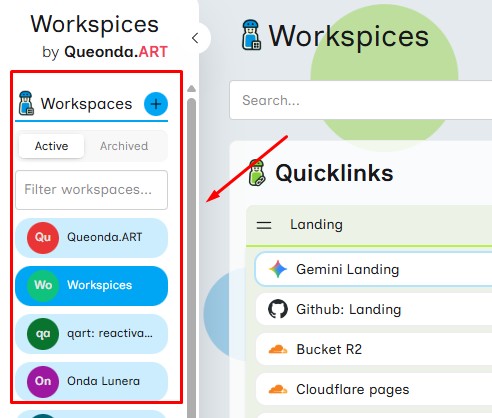
Go Straight to Work with One Click
Quicklinks connect you and your team directly to your Google Drive folders, Figma designs, Trello boards, or any web resource. No more navigating menus or searching through bookmarks—everything your project needs is pinned and ready.
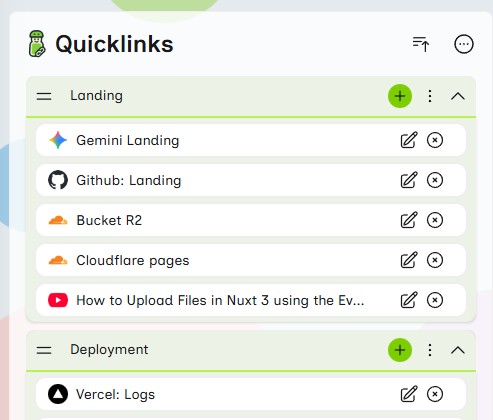
Action-Oriented Context at Your Fingertips
Tasks in Workspices aren't just entries in a list; they are directly linked to your project resources. Assign quick actions to specific Quicklinks, ensuring your team knows exactly what to do and where to do it, keeping momentum high and confusion low.
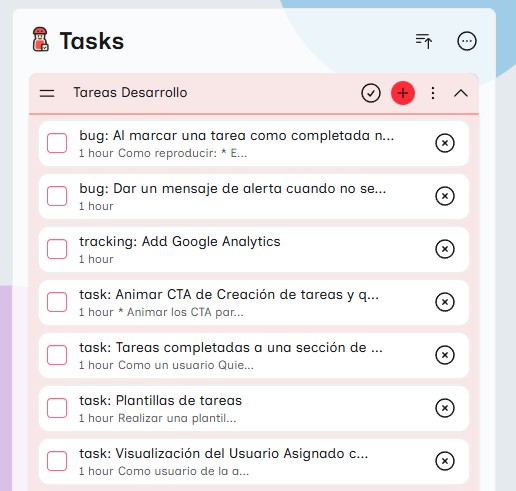
Workspices is designed to help you focus on what matters most.
- Time SavingsGo straight to the sites where you actually work. Forget wasting minutes navigating menus or search bars—everything is just one click away.
- Fewer Tabs, More FocusOptimize both your RAM and your attention. Keep only the essential tabs open for your workflow and eliminate digital noise.
- Smart Collaborative WorkspacesOrganize spaces by client or project. Share key links and tasks with your team so everyone has instant access and works in sync.
How it works
Optimized for online teams working with multiple cloud tools
Create your Workspace
Set up a dedicated space for your project (e.g., “Q4 Campaign”). Invite your team in seconds and start collaborating seamlessly.
Add Quicklinks & Tasks
Easily integrate links from Drive, Figma, or Trello. Assign quick tasks like “Fix design in Figma” to keep everyone aligned.
Access with a single click
From your dashboard, open what’s essential instantly. Everything else stays closed, saving resources and keeping your focus sharp.
Step 0 of 0
Designed by Digital Agency Coworkers, Consultants and Freelancers.